Manufacturing without creating BOM
It is recommended to use BOM for Manufacturing for consistency and to avoid repetitive work.
However, if you wish to perform it manually, the workaround is to create Stock Entries:
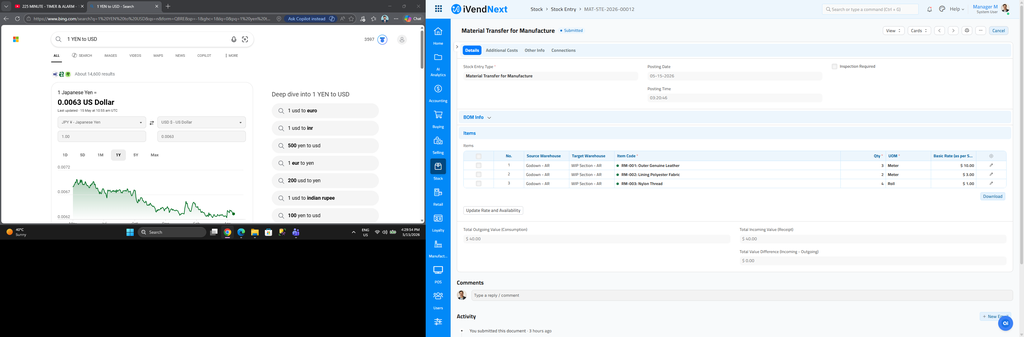
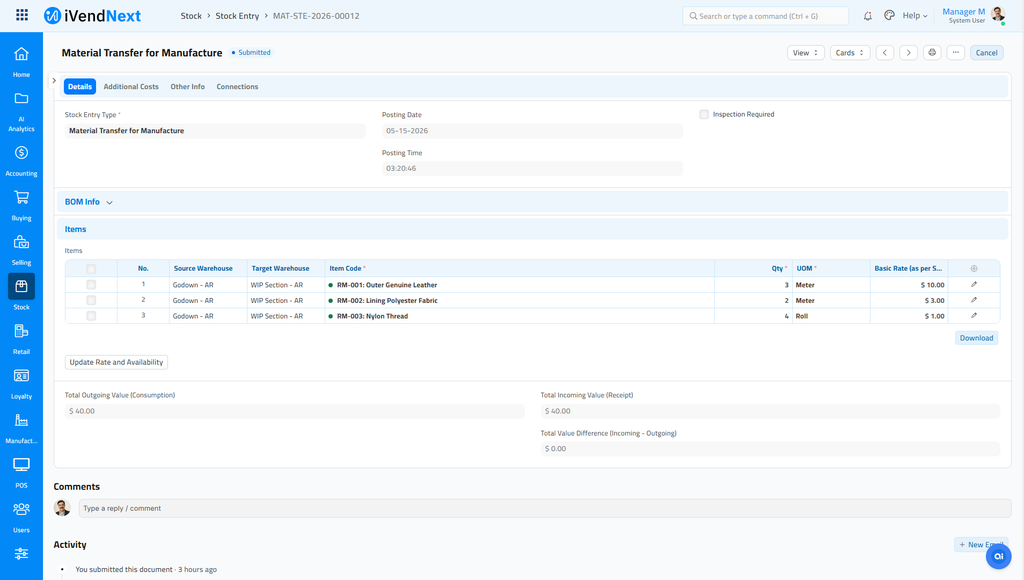
1) Create a Stock Entry with Purpose as Material Transfer to Manufacture.
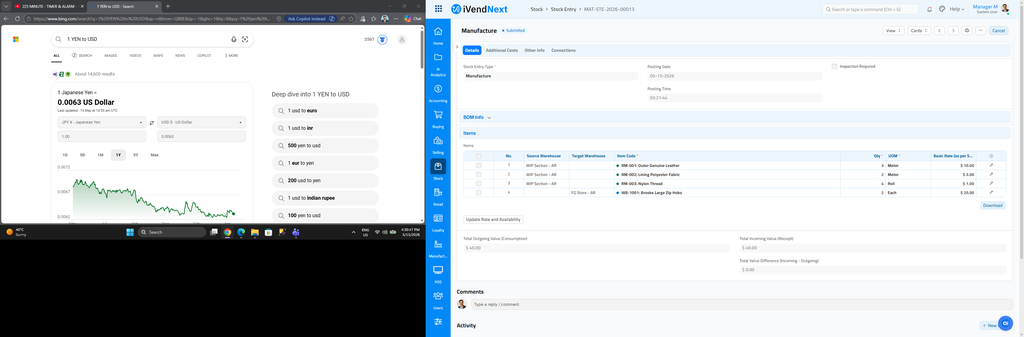
2) Create a Stock Entry with Purpose as Manufacture, the Item which is being Manufactured will have a Target Warehouse and other Items(Raw Materials) will have a Source Warehouse.
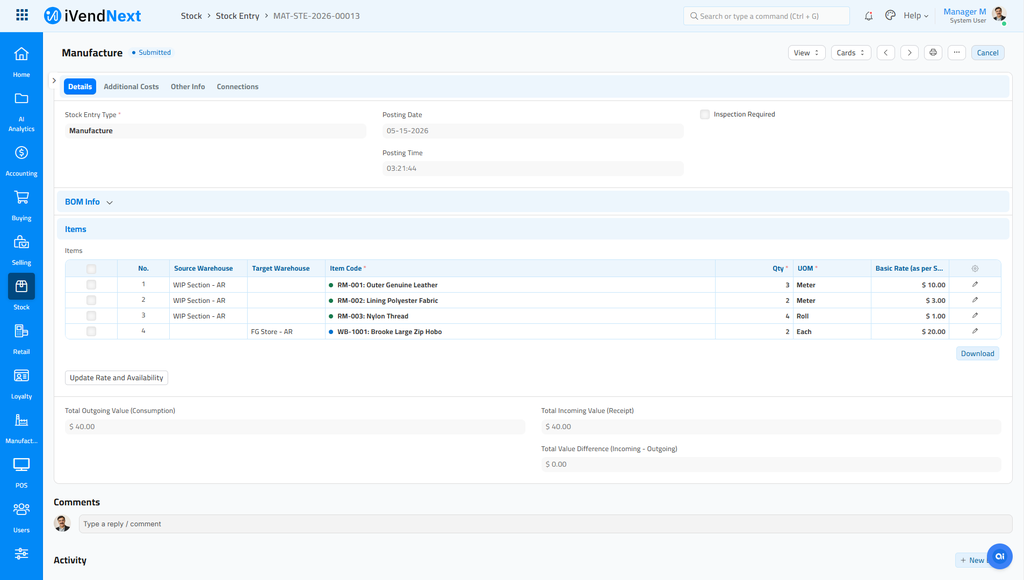
Blue Dot: Item is being received. Orange Dot: Item is being issued.