
Set default values for any field
Using Customize Form, we can set a default value for any field of any Doctype in iVendNext.
Steps:
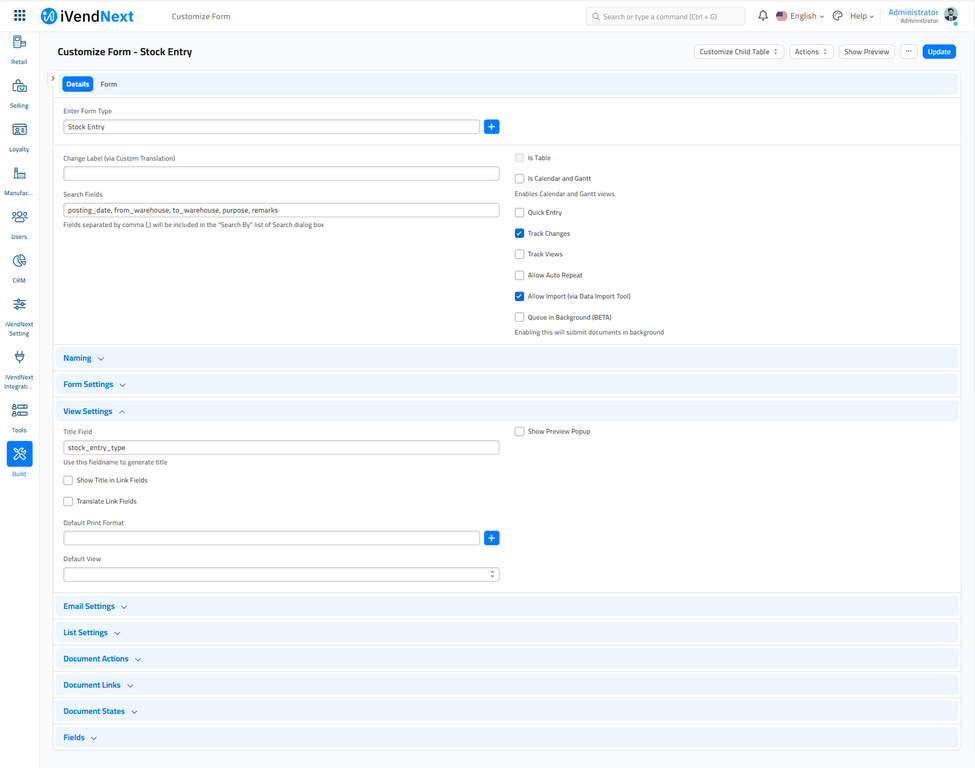
Open Customize Form using an awesome search bar or via Menu options of any DocType. This will open a screen where you can view all the fields that comprise this DocType.
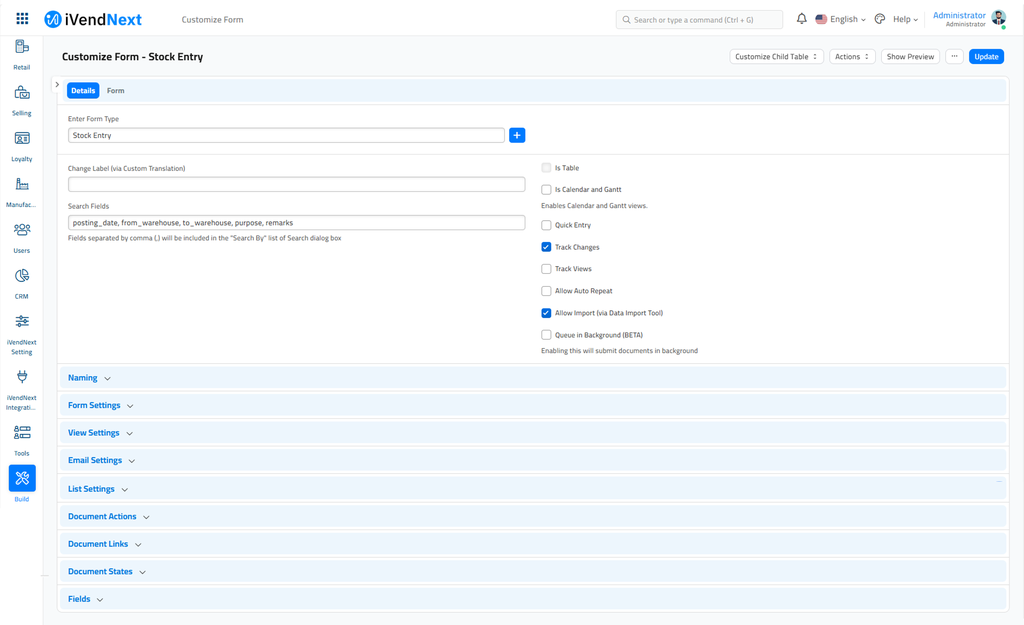
Expand the field for which you want to store a default value and enter it.
To learn more about customisations in iVendNext, check out this link
Related Topics
Last updated 8 hours ago
Was this helpful?