
Electronic signature can be created in iVendNext using the Signature field type. This field allows you to write a signature in a block, just like the signature on a paper.
To create an electronic signature, follow the following steps:
-
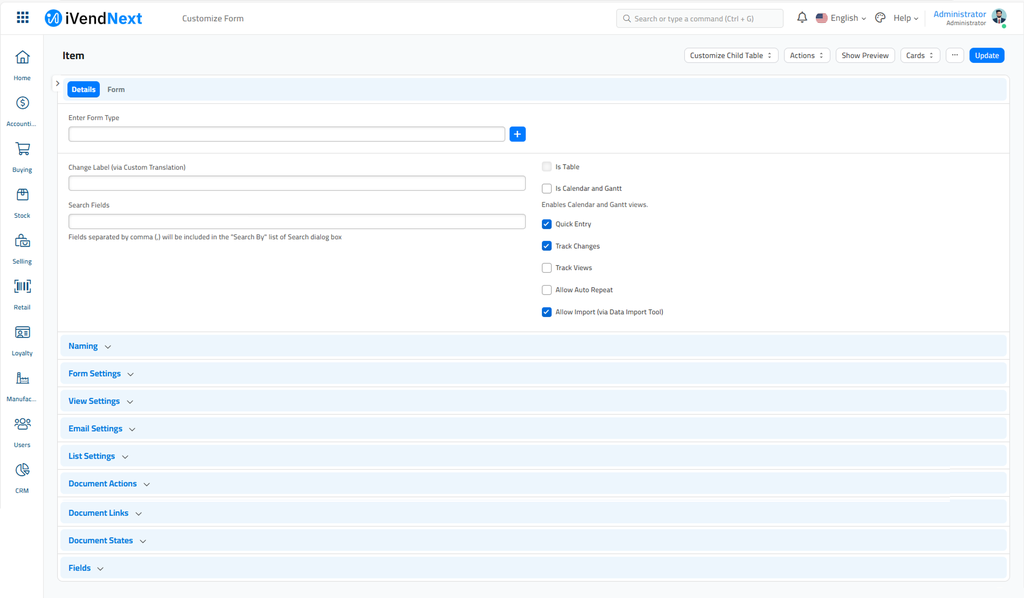
Go to Settings > Customize Form.
-
Select the Form Type.
-
In the FIELDS table, enter a new row (field) called Signature and select the Field Type as Signature.
-
Click on Update.
-
Refresh the page and enter the signature.
Last updated 4 months ago
Was this helpful?