
To access the BOM Search Report, navigate to:
Home > Manufacturing > BOM Stock Report
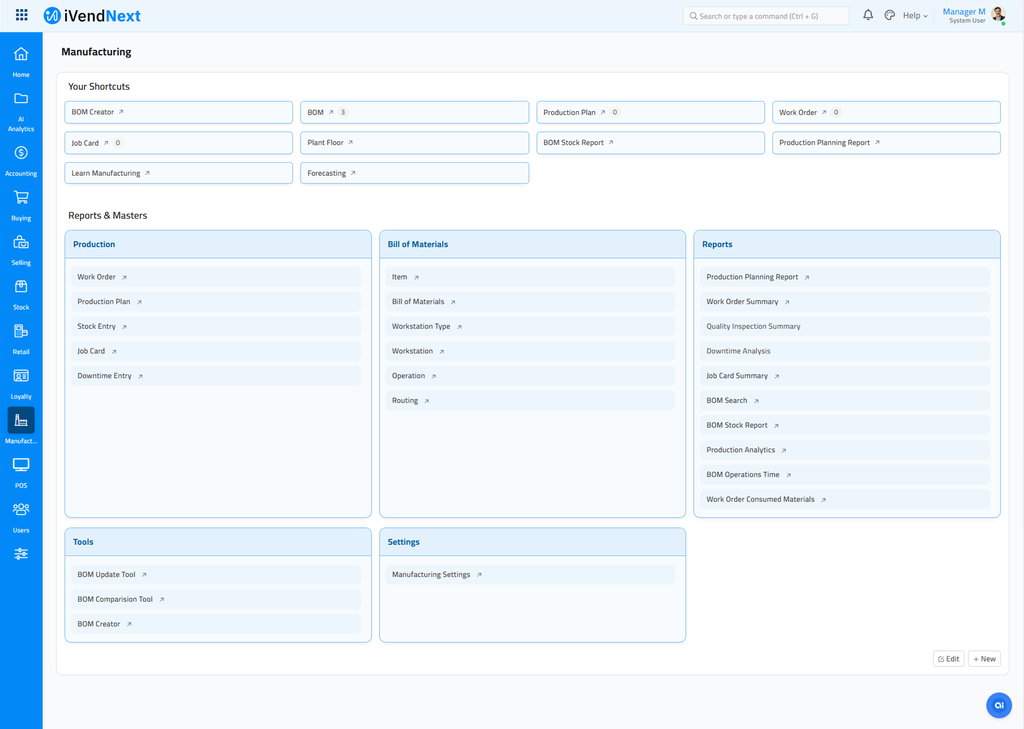
This should take you to the BOM Stock Report.
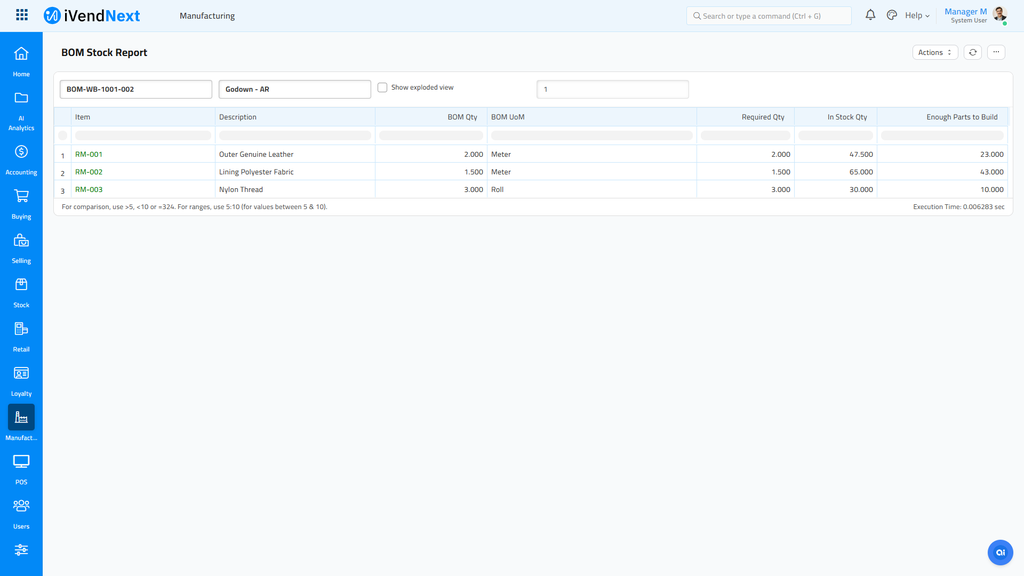
The BOM Stock Report provides information about the raw materials required quantity and the in-stock quantity of the warehouse (which is selected in the filter). As you can see, the items which have insufficient quantity are shown in red and ones with enough quantity to manufacture the BOM Item are shown in green.
Related Topics
Last updated 5 months ago
Was this helpful?