
Lead Source is a channel through which the leads are generated.
It is important to track the source from which you are getting the leads. This will help in measuring effectiveness of various marketing campaigns and allocate the budgets accordingly.
To access the Lead Source list, go to:
Home > Selling > Settings > Lead Source
Steps to Create a Lead Source
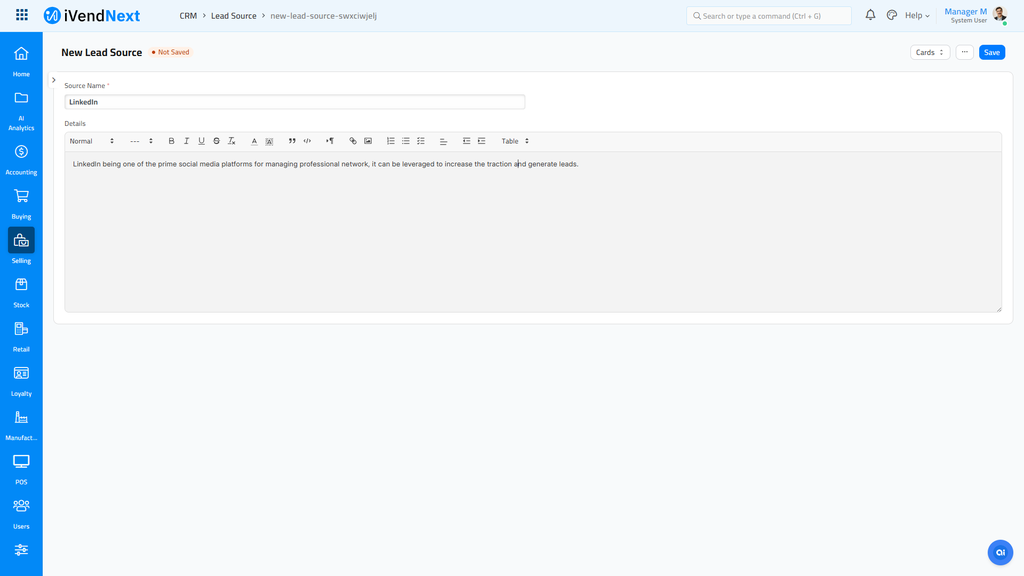
- Go to the Lead Source list, click on New.
-
Enter 'Source Name'.
-
Enter 'Details' if you need to elaborate more on the source.
Typical lead sources are contact forms on your website, marketing campaigns, events, references, ads on social media etc.
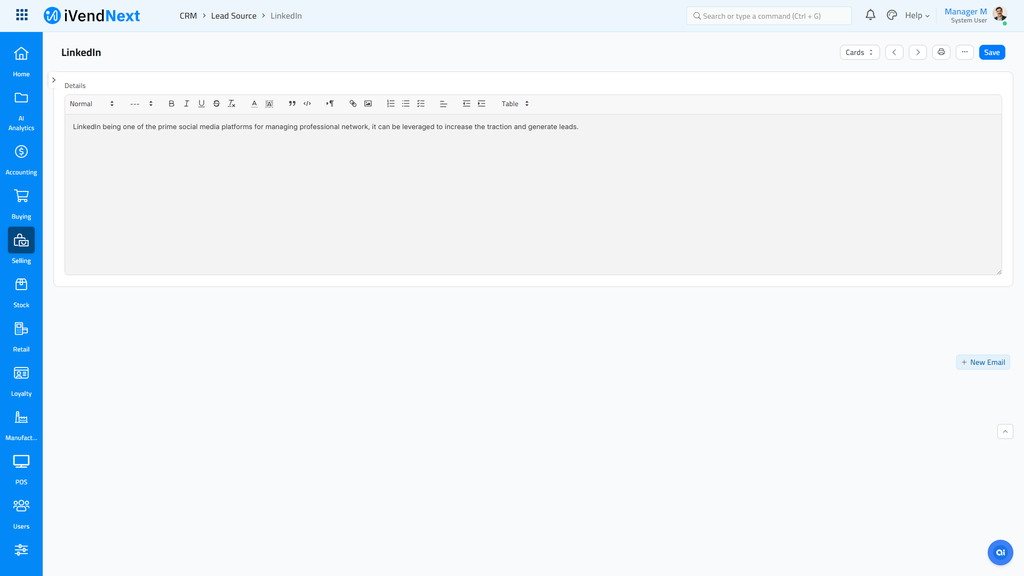
- Click the 'Save' button.
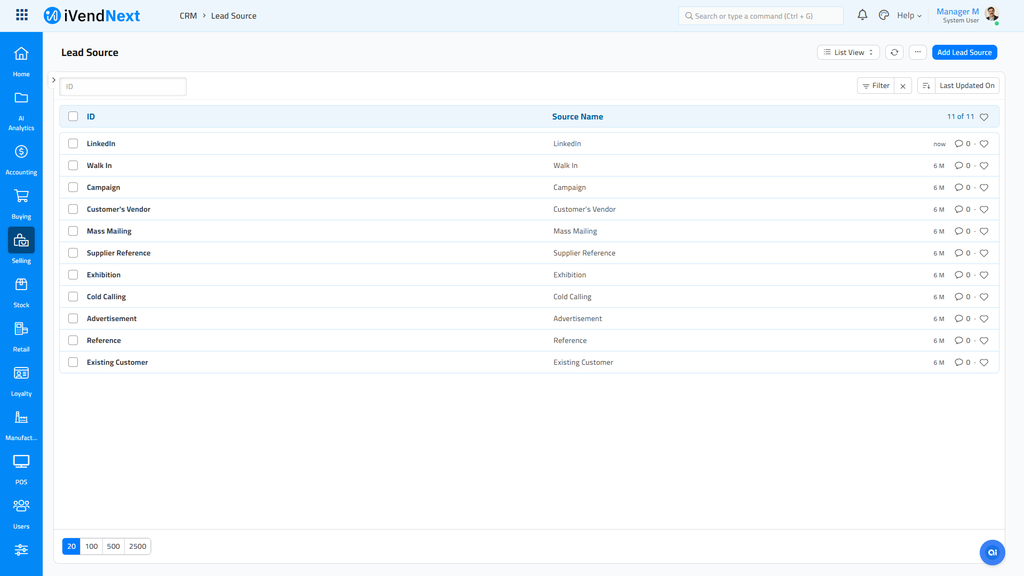
The system will allow you to maintain a list of various lead sources leveraged by you.
Related Topics
Last updated 5 months ago
Was this helpful?