
Advance In Separate Party Account
iVendNext supports booking Customer advances under Liability and Supplier advance under Assets. However, these are only allowed through Payment Entry.
Note: Advance Accounts are restricted to Company currency
1. Prerequisites
To use this functionality, these need to be created first:
'Receivable' type account under Liability for Customer and 'Payable' type account under Assets for Supplier.
Maintain the above accounts in:
Company -> Accounts -> Advance Payments section
2. Steps to Create Advance Payments under Liability/Assets
Once a Sales Order or Purchase Order is submitted, you will find an option to create a Payment against it. You can also create a new Payment Entry and manually select values (like Party and payment account).
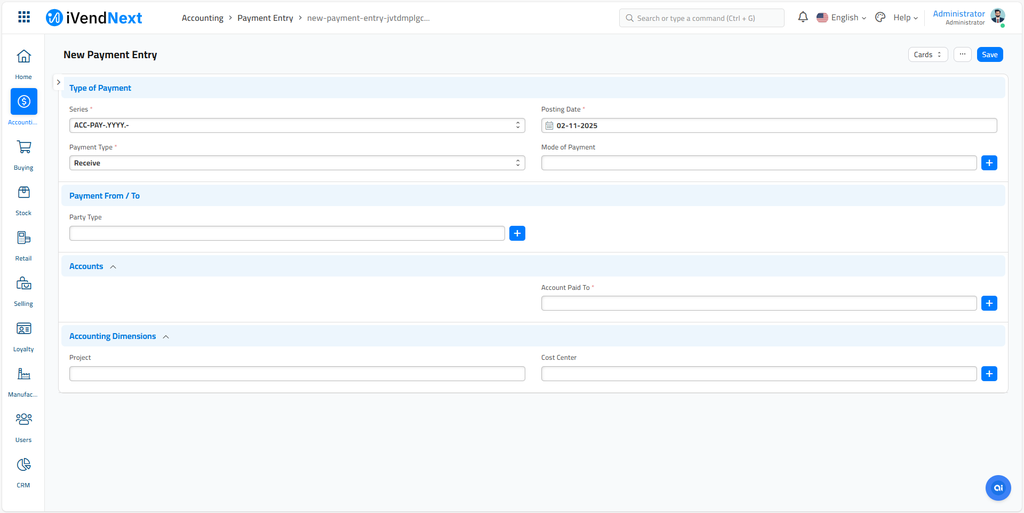
The steps to create Advance Payment against Sales Order are listed below:
-
Go to Sales Order and click on Make > Payment Entry.
-
Set required details and Save. Upon save, the system will update the 'Paid To'/'Paid From' account with the advance account maintained in the company master.
-
Submit
3. Allocating Advance to Invoices
Allocation happens in the similar fashion on the Normal Advance Payments. Refer Advance Allocation
Limitations:
Currently, this type of Advance booking is only supported for Customer and Suppliers party types.