
In iVendNext, default precision for Float, Currency and Percent field is three. It allows you to enter values up to three decimal places.
You can also change/customize the precision settings globally or for a specific field.
To change the precision globally, go to:
Home > Settings > System Settings
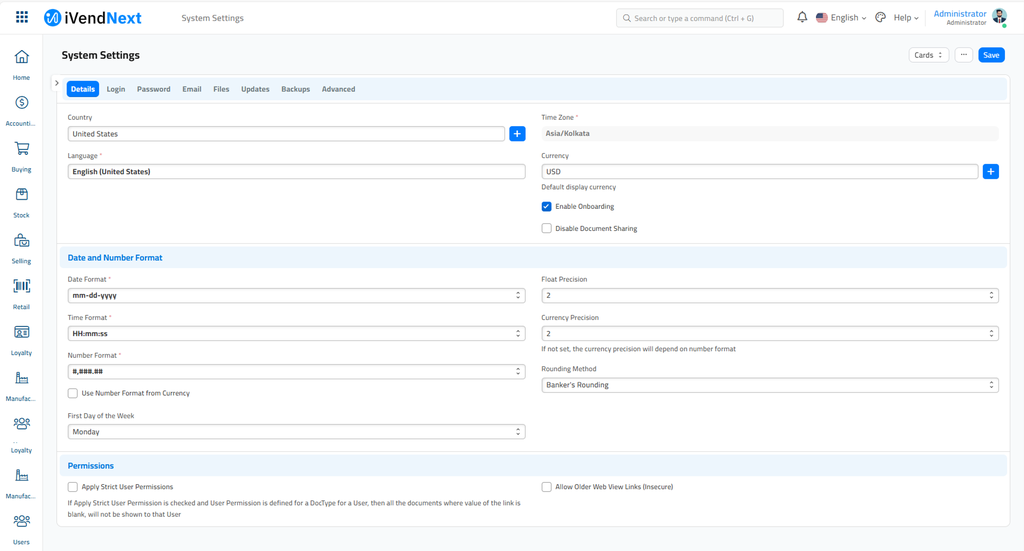
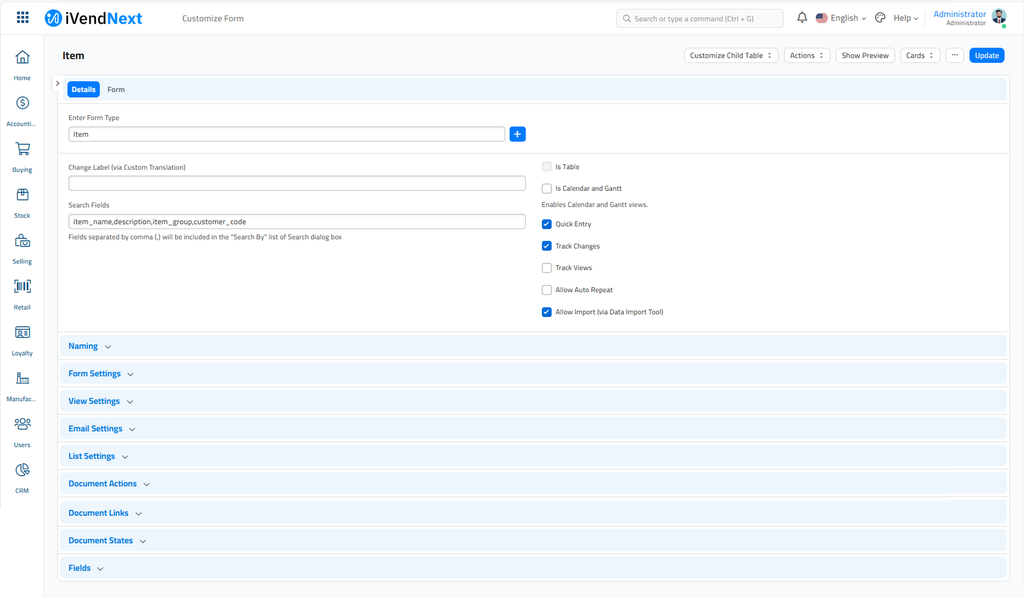
Alternatively, you can also set field specific precision. To do that go to Customize Form and select the DocType there. Then go to the specific field row and change precision. Precision field is only visible if field-type is one of the Float, Currency and Percent.
Related Topics
Last updated 5 months ago
Was this helpful?