
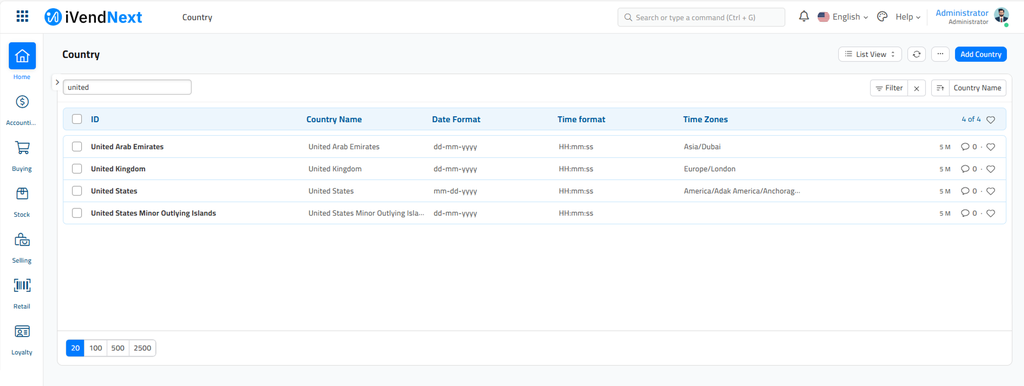
A 'Country' list can be maintained in the system and an appropriate country can be tagged to different entities and transactions as per the need.
How to add a Country?
-
Go to the Country list and click on 'Add Country'.
-
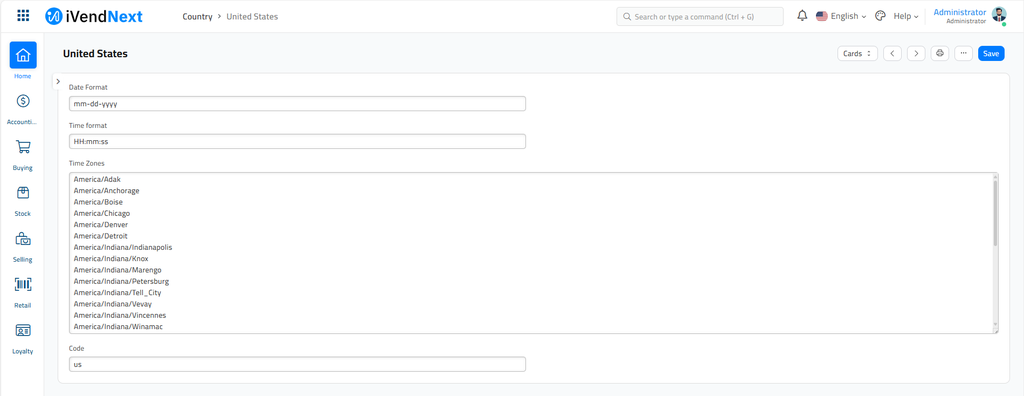
Enter the name of the country which is to be added.
-
Specify the standard date format used in the country .
-
Specify the standard time format used in the country.
-
List down all the time zones.
-
Mention the official abbreviation of the country.
-
Save to get the country added to the list.
Last updated 4 months ago
Was this helpful?