
We can easily identify the manufacturing progress of certain items in our organizations using Open Work Orders in iVendNext.
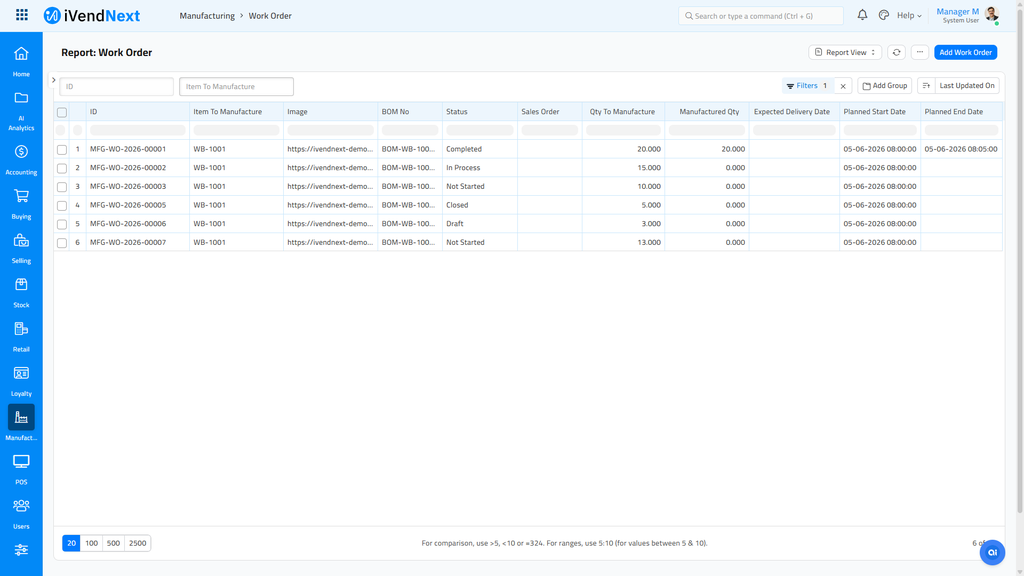
In this report users are able to see:
- Items that need to be produced
- The total quantity to produce
- The quantity that has already been produced
For further details, users can proceed to click on the work order and expand it e.g. MFG-WO-2018-00009. This helps you prioritise Work Orders by their date
Related Topics
Last updated 4 months ago
Was this helpful?