
Change existing user's email ID
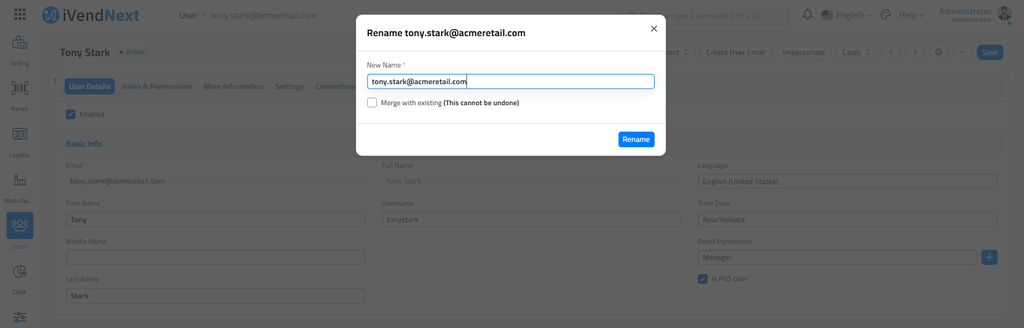
To change a User's Email Id, follow the steps:
User List -> Open the User (the one which requires the change) -> Click on Menu -> Rename -> Enter the New Email Id and Save it.
You can also use the Bulk Edit feature
Related Topics
Last updated 3 weeks ago
Was this helpful?