
Taking Payment Offline
Offline, a sale takes one payment method, and the app only records the payment rather than processing it. The money is taken as cash, or as a card on the bank's own machine with its reference typed in. The sale then waits on the phone, as a held sale, until the connection returns.
Cash
Cash is taken when the trading day is running with a drawer. The cash goes into the drawer as usual, and the sale waits on the phone as a held sale.
When the trading day is running without a drawer, the phone takes no cash. The payment screen does not show a cash row, and it says so in that row's place. The exact message reads: "This phone takes no cash. Card works here. For cash, ring the sale at a till." Card is still available, and the sale is not canceled.
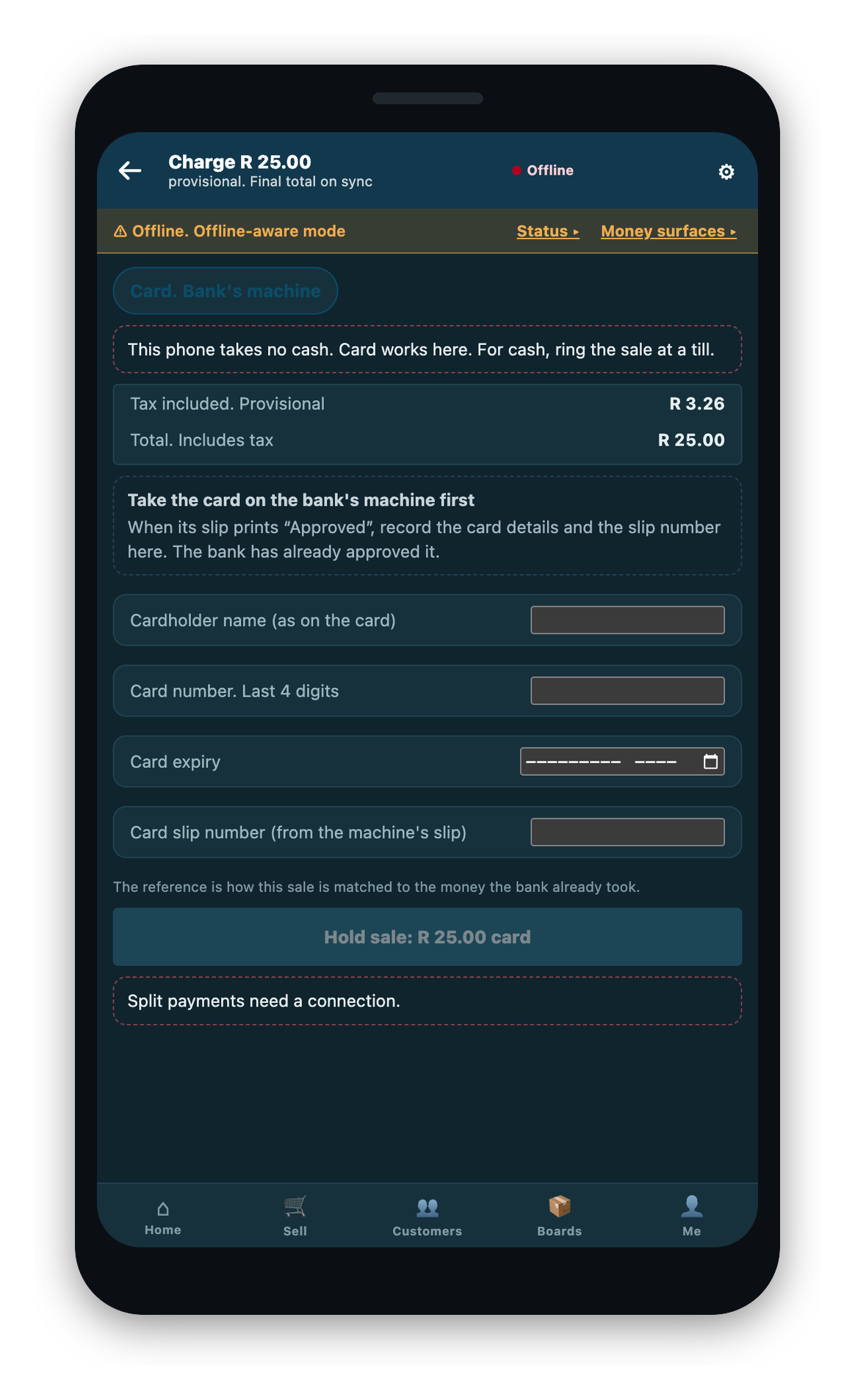
Card
The app does not take card payments itself. This is true online and offline alike. You take the payment on the bank's own card machine and record its approval reference in the app. Type the cardholder name, the last four digits, the expiry, and the machine's slip number.
The provisional slip
Once payment is recorded, the sale waits on the phone as a held sale. It gets its own provisional reference number. You can give the customer a provisional slip, printed or shared. The slip carries the store, the till, and the reference, so the sale can be matched to its posted record later.
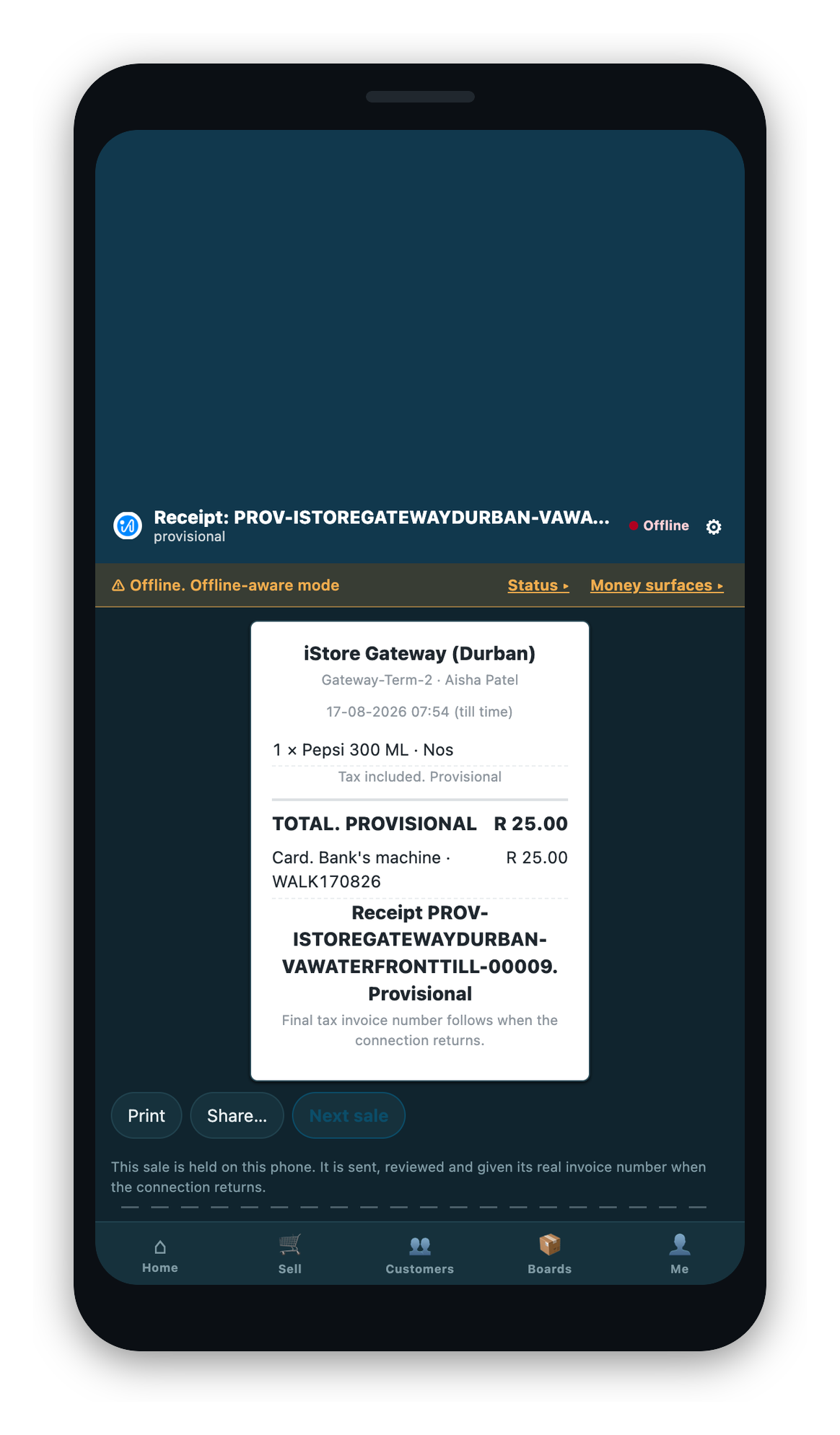
Nothing is sent by itself when the connection returns. The held sale waits for the operator to sign in again and review it. See Reconnecting and Sending Held Sales.
Retail Provisional Series
A till that is offline prints its own provisional reference on the slip. Retail Provisional Series in iVendNext Desk lets you choose how that reference is written for each store. The reference is only the slip's number: when the sale is sent, the system always gives it its real invoice number. A System Manager can change a row, and a Retail Manager can read it.
Without a row for a store, its devices use the shipped pattern, which reads PROV-.{store}.-.{terminal}.-.#####.
| Field | What it does |
|---|---|
| For Store | The store whose offline devices print these slip numbers. The row is named by it. |
| Enabled | Unticked, this store's devices use the shipped pattern. |
| Series | One row for each kind of document. Only POS Invoice is used today, and a kind can have only one row. |
| Document Type (in a row) | The kind of document the pattern is for. |
| Auto Name (in a row) | The slip number's pattern. |
A pattern is refused when a device could not print it:
- It must include
{terminal}. Each device counts for itself, so without the till's name two devices in one store would print the same reference. - It must have exactly one
#counter, such as#####. - Its longest possible result must fit in 140 characters.
{store}counts as 24 characters and{terminal}as 16, and the counter counts as its width or 10 digits, whichever is more.