
Return Rejected Items
In the Purchase Receipt, you can receive the Items in the Accepted or the Rejected Warehouse.
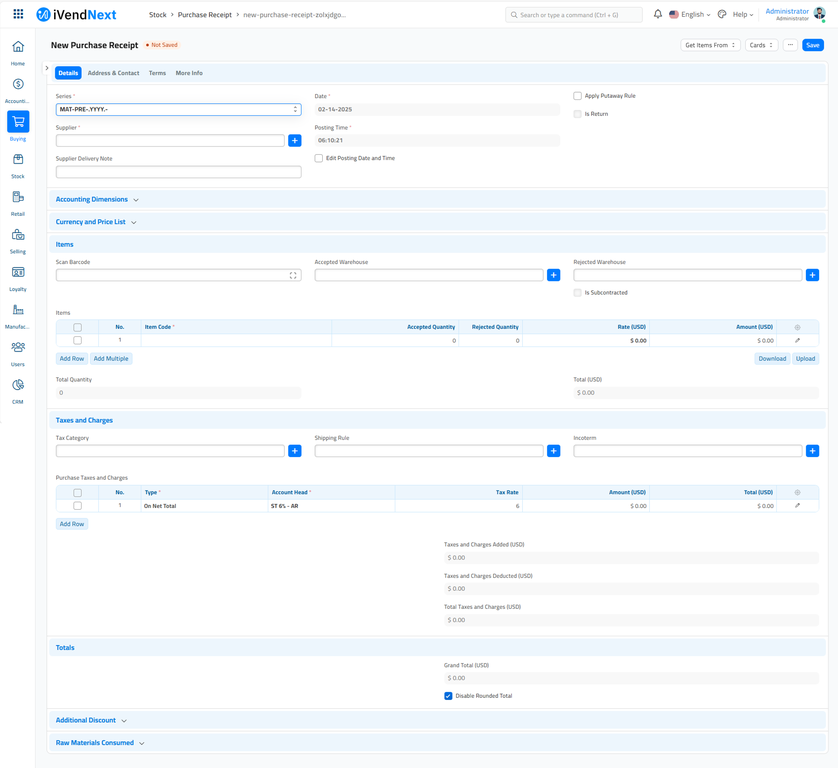
If you are creating a Purchase Return for the items received in the Rejected Warehouse, then create a return entry following these steps.
-
In the Purchase Receipt Item table, for the item to be returned, in the Received Qty field, enter the return entry in negative.
-
In the Accepted Warehouse field, set value as zero.
-
In the Rejected Warehouse field, set the quantity to be returned in negative.
Related Topics
Last updated 4 months ago
Was this helpful?