
Cash and the Drawer
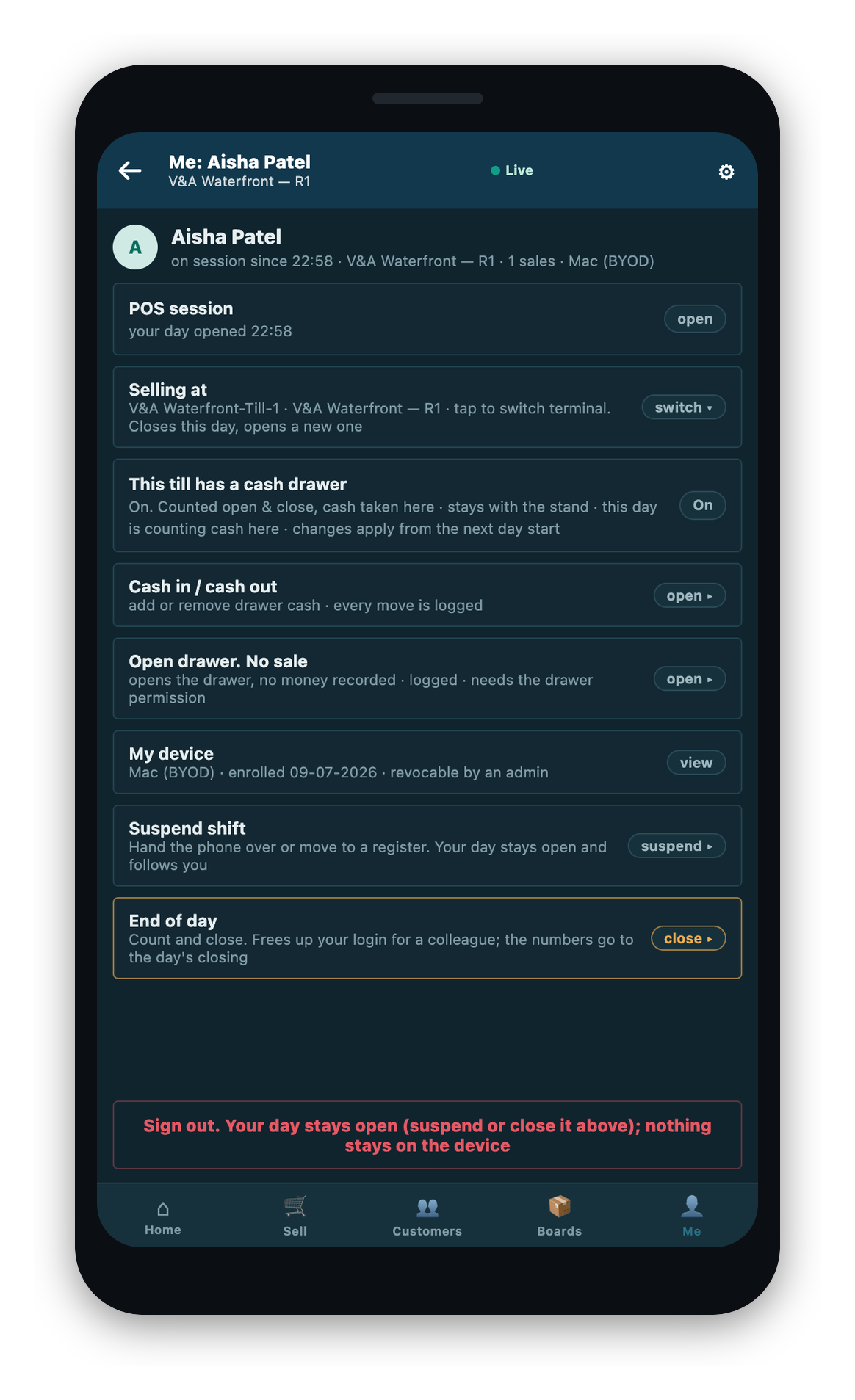
On a drawered till, the phone is the till: you take cash at the counter, move cash in and out, and open the drawer. This page is about drawered tills. On a drawerless till, cash goes to a register and none of this appears.
Taking cash
Cash sales complete on the phone, against the drawer, where the customer is standing. When your store's setup says the drawer should open for a payment, the phone tells you.
Moving cash in and out
Record a float top-up as cash in, and a bank drop as cash out.
- Open the cash movement sheet and choose cash in or cash out.
- Enter the amount. It must be above zero.
- Pick a reason, where your store requires one for that direction. If the reason you pick asks for a note, add one.
- Confirm. The movement is recorded, with a full audit kept by the store's system.
Two limits to know:
- You cannot take out more than the drawer has. A cash out above the balance is refused, and the app names the amount that is available.
- Where your store does not require a reason, there is no reason field on the sheet, matching the back office.
Opening the drawer without a sale
Use the no-sale drawer open when you need to open the drawer without taking money. No money is recorded, and every open is logged. The app confirms with Drawer opened. Logged.
On the phones in use today, the drawer does not kick open on its own. The app tells you to open the drawer for the change by hand. The sale is complete either way.
A high-cash warning
Your store can set a warning level for the drawer. When the cash reaches that level, the app tells you and suggests moving some to the safe before you count at the end of the day. This appears only when a manager has set the warning level on the shift profile; it is off unless it is set.
The mid-shift read
A manager can take a mid-shift read to see where the store's money is, without closing anything. It shows each payment type's take, the cash movements as their own line, and the day's expected cash. It shows no counted figure and no variance, because nobody has counted the drawer yet. The read never changes the day; it only reports it. The full close is covered in Ending Your Day.
The read covers every till at the store. Another till's own end of day shows as its status only. The phone reports it, but it does not run someone else's close. If a till's totals cannot be read at that moment, that till shows as unavailable rather than as a real zero, so a read error is never mistaken for an empty till.
Printing the mid-shift read
You can print the mid-shift read as an X report. It prints on the layout your store configured, and the day stays open: printing an X report never counts the drawer or closes the day.
- Choose where to print. If no printer answers, the app tells you rather than failing quietly.
- The app refuses to print, and says why, in three cases: a drawer count is already under way, the layout for the X report is not set up, or you are trying to print your own drawered register's figures while your store counts blind (which would reveal the expected figure the blind count is meant to keep back).