
A Workflow State is a state in the workflow you create.
Different Workflow States may be achieved before or after applying different Workflow Actions on them. If you want to create a Workflow where there are multiple approvals from manager, senior manager, general manager, etc, you can set the states for it from Workflow States.
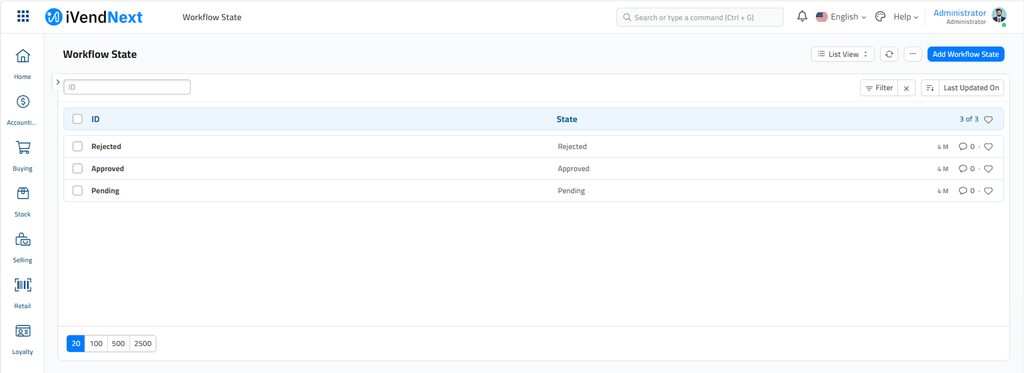
By default, the following Workflow States are created in iVendNext:
The Workflow States can have different colors based on the style.
-
Success - Green
-
Danger - Red
-
Inverse - Black
-
Primary - Dark Blue
-
Info - Light Blue
-
Warning - Orange

Document Statuses:
-
Saved = 0
-
Submitted = 1
-
Canceled = 2
Related Topics
Last updated 5 months ago
Was this helpful?