
Removing an extension
Retail Extensions · checked 2026-10-18
To remove an app, you press one button on its record. iVendNext first saves every record of the app to a file, and then it takes the app off your site. This page covers the steps, what goes and what to do when the removal does not finish.
Removing an extension
- In Desk, search for App library and open it. Find the app under Installed and press Details.
- On the app's record, press Export and uninstall.
- Confirm. The question reads Export every record of this app to a file, then remove it from this site? Press Yes.
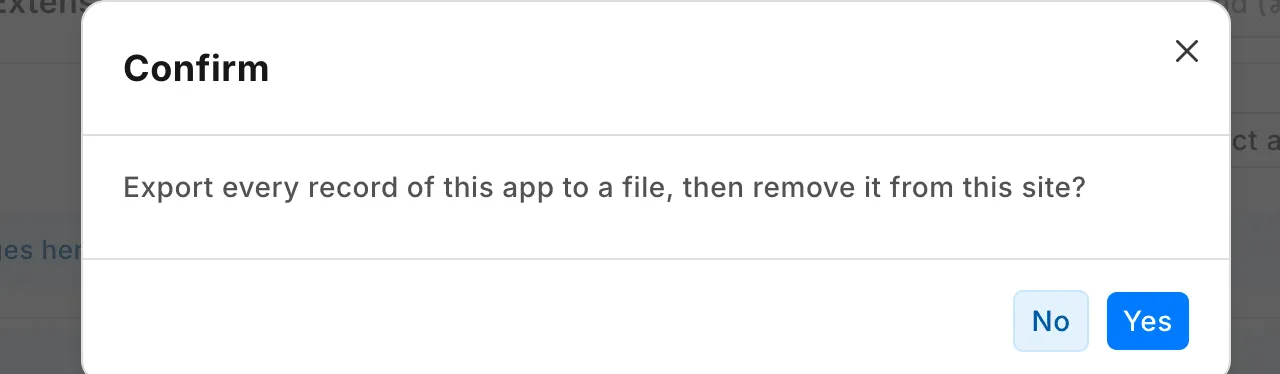
iVendNext writes the export first, and attaches it to the app's record in the field Export. The file has every record of the app's own record types, with their comments and history, and the app's values on your own records. It never has a secret. The removal deletes those comments and that history with the records, so the export is where they are kept.
What goes
- The app's record types and the records in them.
- The roles the install made. A role another installed app also uses stays until the last of those apps goes.
- The app's buttons, services, print layouts and reports.
- A till key's ticks in POS Studio. An app you install again needs a store to tick its keys again.
The app's record under Extension Packages stays, with the status Uninstalled. It is your record of who accepted the app and when.
An app hosted by CitiXsys
When you remove an app that CitiXsys hosts, your site tells the service that the app was removed. The Hosted app field says what the service answered. If the service could not be told, the field says so. Tell the app's maker, and make a new API key for any user whose key was sent to the app.
When the removal does not finish
If the status stays at Uninstalling, or the record shows Undo not finished, press Finish on the app's record. If the button does not finish the job, call your partner or iVendNext support.
The record names the roles that may install, update and remove apps on your site. Your partner adds and removes any app under Part of iVendNext.