
Retail Extensions · checked 2026-10-18
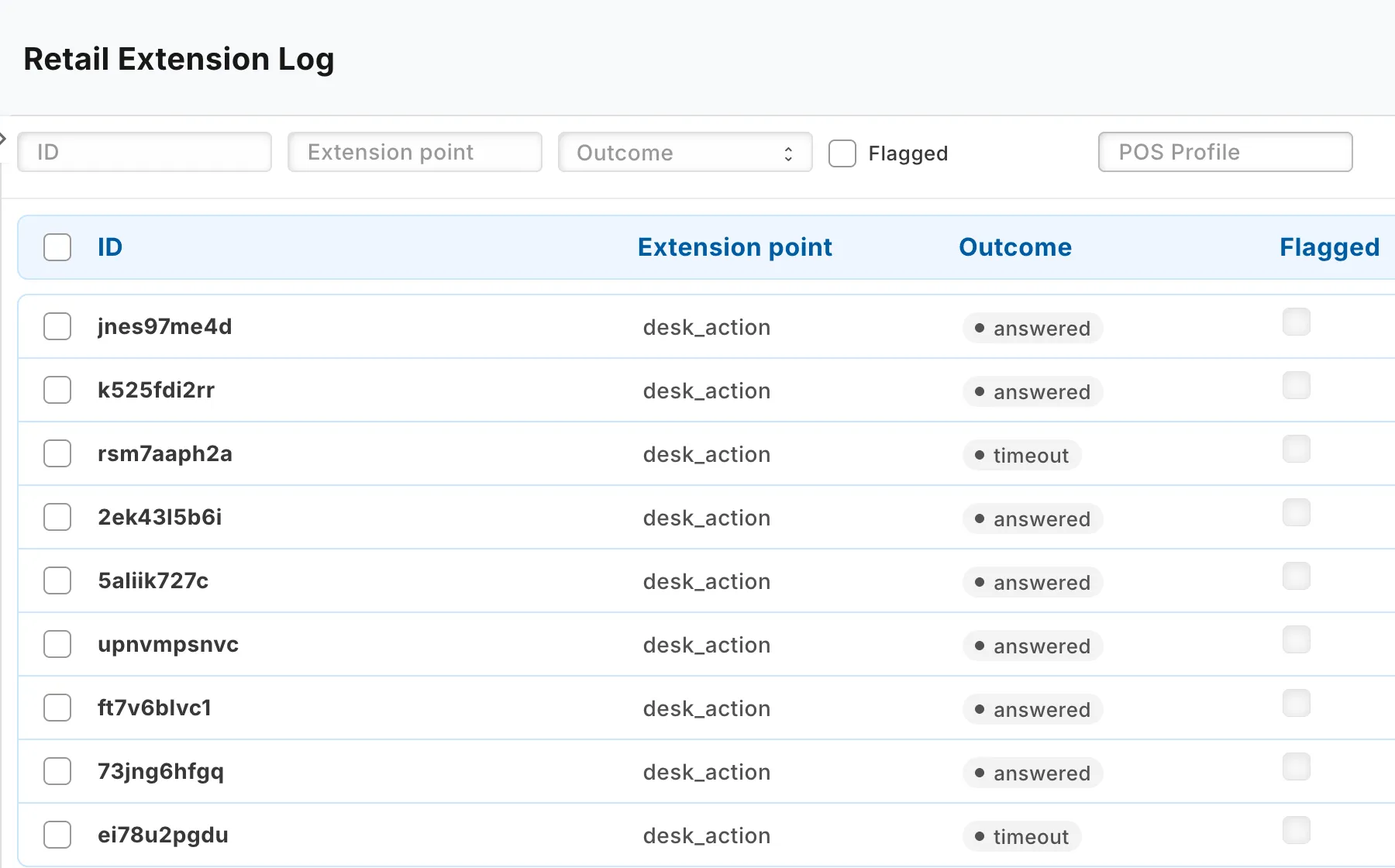
The extension log has one row for each call to a partner service that matters. This page covers how to open it, what a row shows and what the outcomes mean. iVendNext writes the log, and nobody edits it. Rows are cleared after 90 days.
Opening the log
In Desk, search for Extension Log, or open it from the Retail Extensions card. Users with the System Manager or Retail Manager role can read it.
Reading a row
| Field | What it shows |
|---|---|
| Extension point | The job the service did: see Turning on a service or a check. |
| Outcome | How the call ended. See below. |
| Flagged | Ticked when the call needs a person to look at it. |
| Verdict | One line about the call. It never shows the partner's answer or a secret. |
| Subscription | The service that was called. |
| POS Profile, Sale number | The till profile and the sale the call was about. |
| Record type, Record, Records | The records a Desk button sent. A list press sends up to 100. |
| Time taken (ms) | How long the service took. |
A call about a payment also shows the Mode of payment and the Limit. A call that asked for a manager shows Confirmed and the Approver. A check before payment shows its Check answer, which is allow, refuse, ask, approve or fill.
What an outcome means
| Outcome | What it means |
|---|---|
| answered | The service answered, and iVendNext used the answer. A save rule or a field rule that flagged a step also reads answered, with no partner called. |
| answer refused | The service answered, but iVendNext did not accept the answer. |
| timeout | The service did not answer in time. |
| unreachable | iVendNext could not reach the service. |
| not called offline | iVendNext did not ask the service, because the sale was made offline and is being sent now. |
| down answer | The service could not give an answer, so iVendNext used the answer you chose for When the service is down. |
| drained | A sale made offline was sent later. Its row is flagged for review. |
| refused | A Desk button press was refused before the service was called. |
| booked after payment | A check found a problem after the customer had paid, so it could not stop the sale. |
| no answer | A partner module could not give an answer, so the answer you chose for When the service is down applies. |
| not asked | A back-office check does not apply to this booking, so nobody was asked. |
Last updated 14 hours ago
Was this helpful?