
In iVendNext, saving different banks lets you upload an excel sheet and map the transactions to the ledger. The transactions are created as Bank Transactions. These can then be used for reference and reports. This is done using Bank Reconciliation.
To access Bank, go to:
Home > Accounting > Bank Statement > Bank
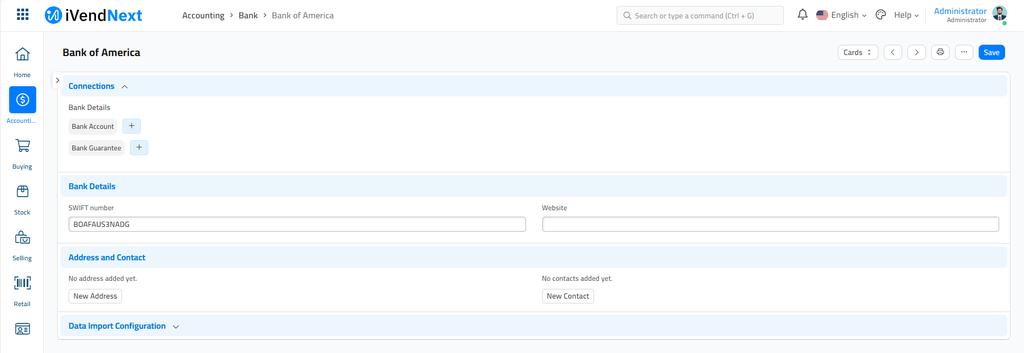
1. How to create a Bank
Creating a Bank is simple, go to the Bank list, click on New, and enter a name.
1.1 Configuring data import for a Bank
-
Under 'Field in Bank Transaction' select the field to be updated in the 'Bank Statement Transaction Entry' form.
-
Under 'Column in Bank File', enter the column in the excel file exported from the bank.
On setting this up, Bank Reconcillation can be done smoothly.
2. Related Topics
Last updated 5 months ago
Was this helpful?