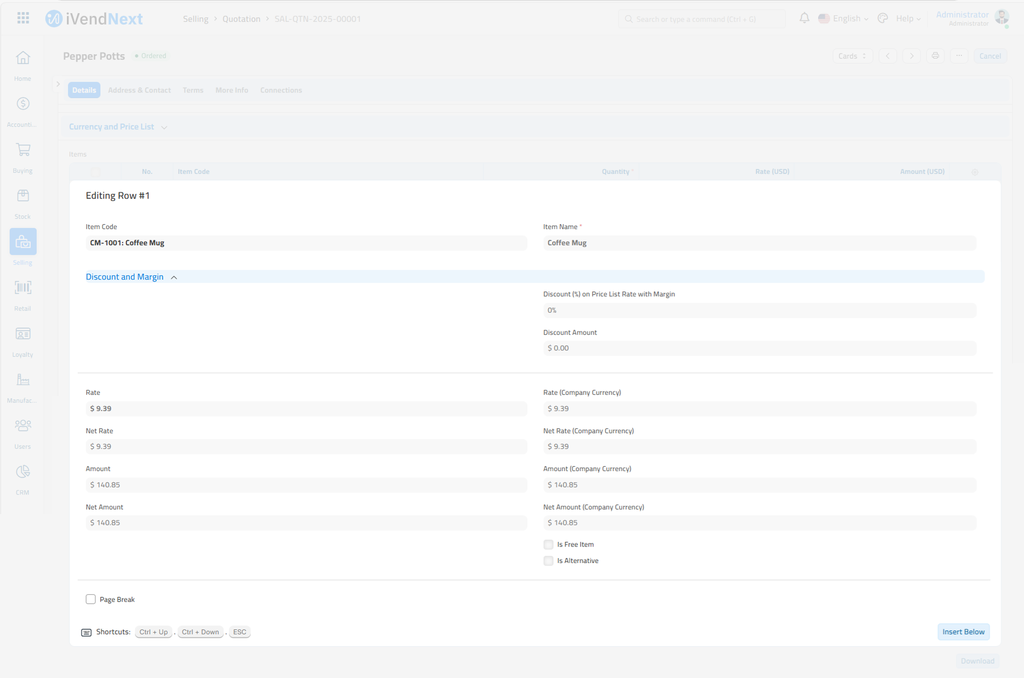
You can add a margin on the Quotation Item and the Sales Order Item. Set it on the item row, as the last part of this page shows.
A Pricing Rule can also carry a margin, but in iVendNext a Pricing Rule is for buying. A margin from a Pricing Rule applies to the rate on purchases. You make till promotions in Retail. See Promotions Setup.
To open a Pricing Rule, search Desk for Pricing Rule.
Adding Margin in Pricing Rule
A Pricing Rule has a section for Margin. Select the Margin Type, Percentage or Amount, and set the Margin Rate or Amount.

Total Margin is calculated as follows: Rate = Price List Rate + Margin Rate
So, In order to apply the Margin you need to add the Price List for the Item
To add a price for an Item, search Desk for Item Price.
Adding a Margin on an Item Row
If a user wants to apply the margin without a pricing rule, they can use this option. In Quotation Item and Sales Order Item, users can select the margin type and rate or amount. The system will calculate the margin and apply it on the price list rate to calculate the rate of the product.
To add margin directly on a Quotation or a Sales Order, open the document and add an item. Scroll to the Discount and Margin section of the item row, where you can find the Margin Type.